
Setting some Context
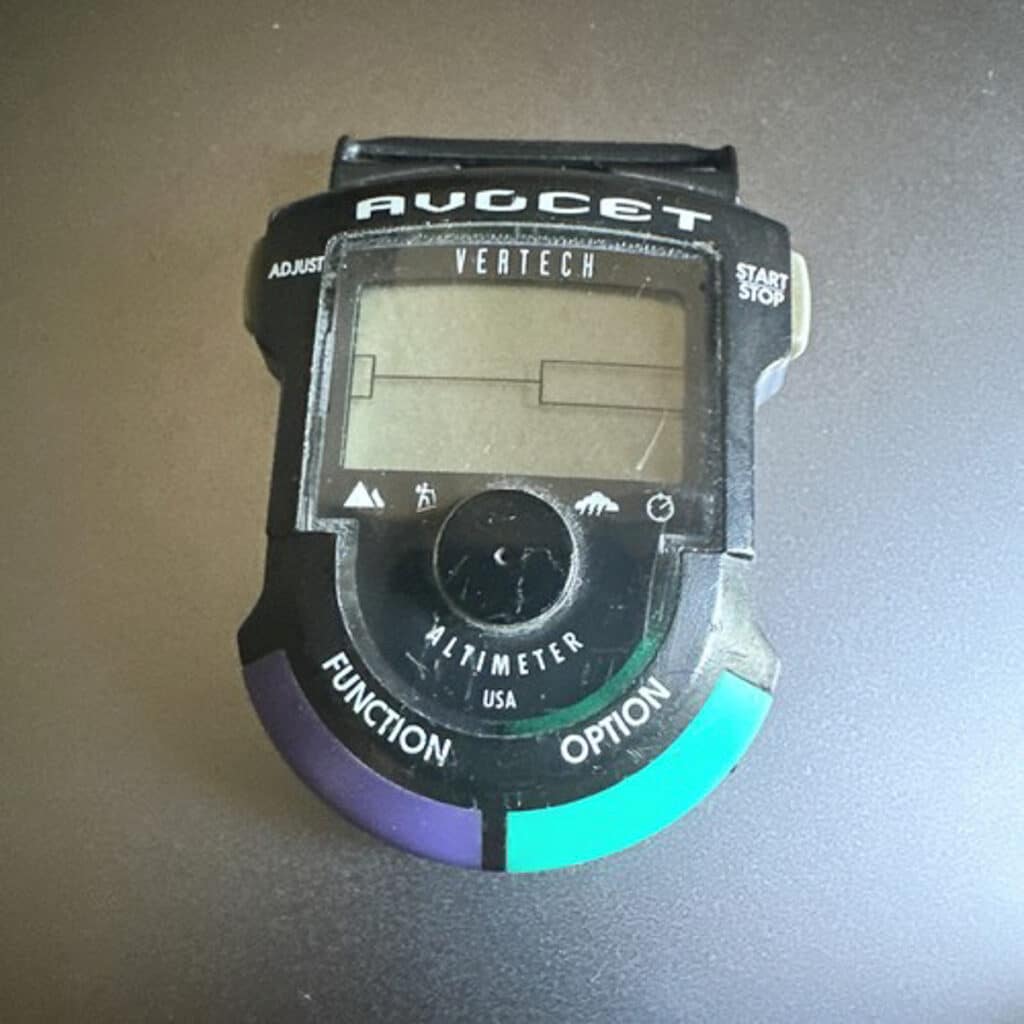
Most of the time, I don’t consider myself an early adopter. The list of tools, gear, and gadgets I eschewed is long. Dropper post (I know), took years. Deviating away from a trusty WhisperLite, again, year. The same can, perhaps, be said of modern GPS watches. Those tools that can sit like a spare tire on your wrist and track speed, distance traveled, and elevation gained. In fact, I was an early adopter once upon a time, back when a company known for its bike saddles and innovative wrist watches (I recall it being referred to as a wrist-computer) featuring an altimeter, barometer, and tools a skier might desire, like accumulated feet ascending or descending. Take one look at the image below, and it screams early ’90s. And I did have one until the green-and-purple button housing popped off, and it all went FUBAR. Years later, I owned a Suunto Ambit Peak 3 (2015) that I bought at a discount. Back then, I’d wear an HRM, which kept me honest, and I loved the altimeter function. Sure, the watch tracked distance, too, and could upload tracks, though it rendered them in a somewhat useless manner. I never considered it a useful tool for the backcountry, outside of the altimeter. At one point, I received a loaner Suunto Peak 9 to test, but I found the battery life lackluster for extended trips.
During all this, along came mapping apps. And even way before that, I generally subscribed to what others began to realize (again, so maybe I was an early adopter in this instance) that all that data didn’t necessarily make me anything but more stressed about the data. A 2023 NYT article, titled “GPS Watch? No Thanks. Top Runners Are Ditching the Data. An increasing number of elite distance runners don’t wear activity tracking or GPS watches. They think they are better athletes because of it,” captured it. Although I never considered my middling athleticism a result of a watch, I did consider whether I was, perhaps, trending toward lost-in-the-woods without some sort of geo-location affirmation. As soon as phone-mapping apps were sufficient, they became my go-to geo-location tool. Otherwise, I have not regularly worn a watch, even to tell time, in years.
The GPS Watch Ecosystem
Referring to the subheading above, “The GPS Watch Ecosystem,” it is teeming. There are an overwhelming number of watches, not even counting smart watches. There’s an overabundance of YouTube review channels dedicated to such devices. And all of them owe their existence to DC Rainmaker, which, at a minimum, provides near PhD levels of insight into this or that digital device. It’s dizzying. And with so many options, I became paralyzed by the fear of making the wrong choice—as in, if I purchase a GPS watch, what if I make a mistake and it sits in a drawer? And companies seem to be rolling out new iterations all the time.
And what about the functionality of a GPS watch? Was it going to be useful?
I have been chatting with my older child, Aidan, who is taking his mountain guiding courses, and we discussed how some guides/instructors/friends use their GPS watches in the field. (That’s going to be another story). I realized I should maybe give a more modern GPS watch a chance. Our requirements are basic. We sought a watch with attributes suited to the mountain scene and extended trips, including excellent battery life. (With my old Suunto lineup, even on a battery-extended setting and running zero mapping functions, the battery life was weak.) We also wanted the ability to upload GPX tracks and use a high-functioning digital map in real-time for some select navigation scenarios.
Of course, even if a GPS watch is not technically a smartwatch, it is not “dumb.” Even the most basic GPS watch comes with a rich, if not excessive, feature set. Considering that, we wanted a somewhat simple user interface. Lastly, since we are reviewing a GPS watch, we thought it would be wise to consider cost, even though Coros sent a test unit, since we also know how pricey touring gear is. As I began researching potential watches and other reviews, some recommended watches bumped beyond $1,000, while others sat firmly in the $750 range.
To keep it bullet-listed, we placed a premium on:
- Battery life
- Cost
- Mapping Functionality
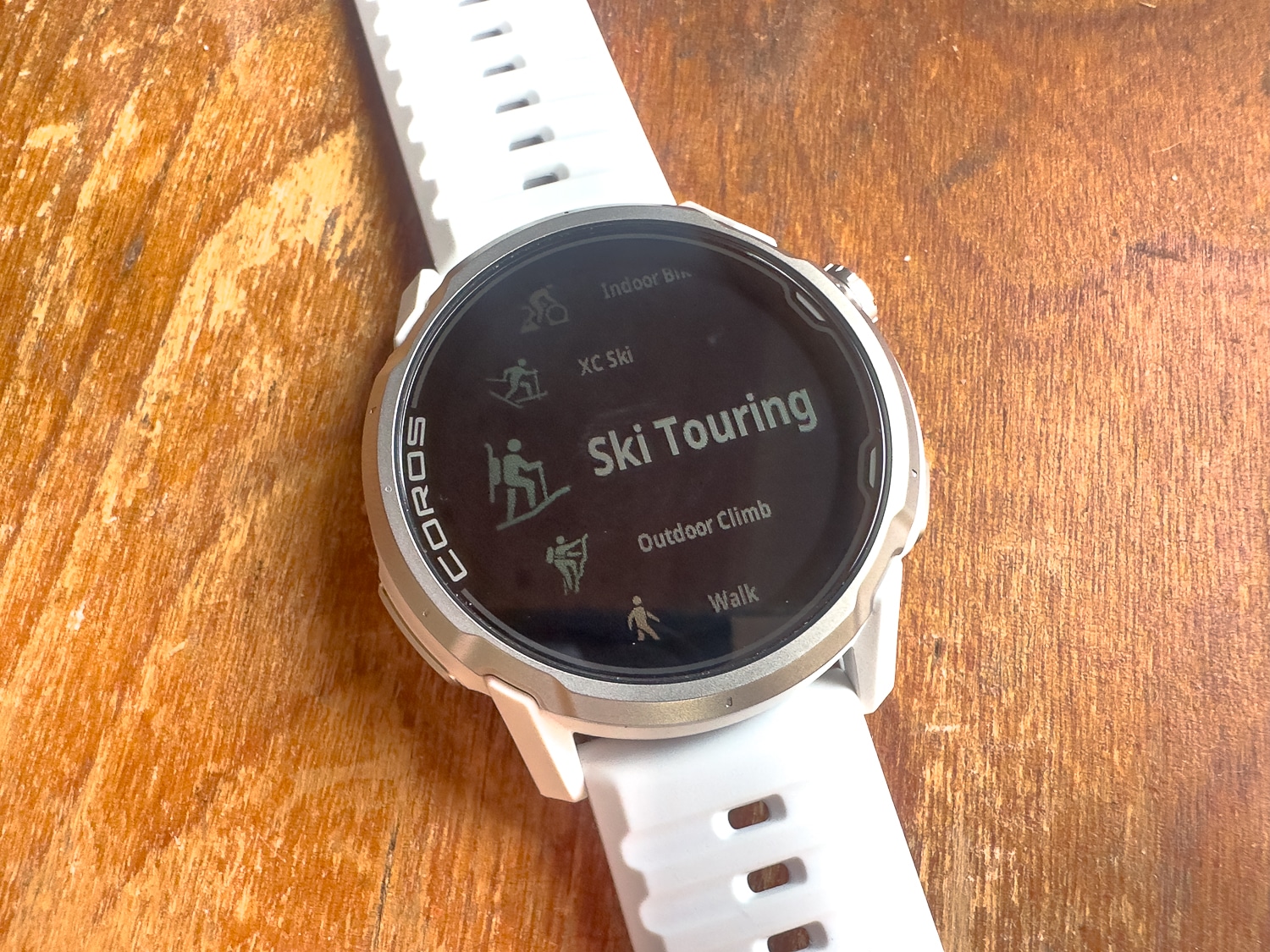
The Coros Apex 4
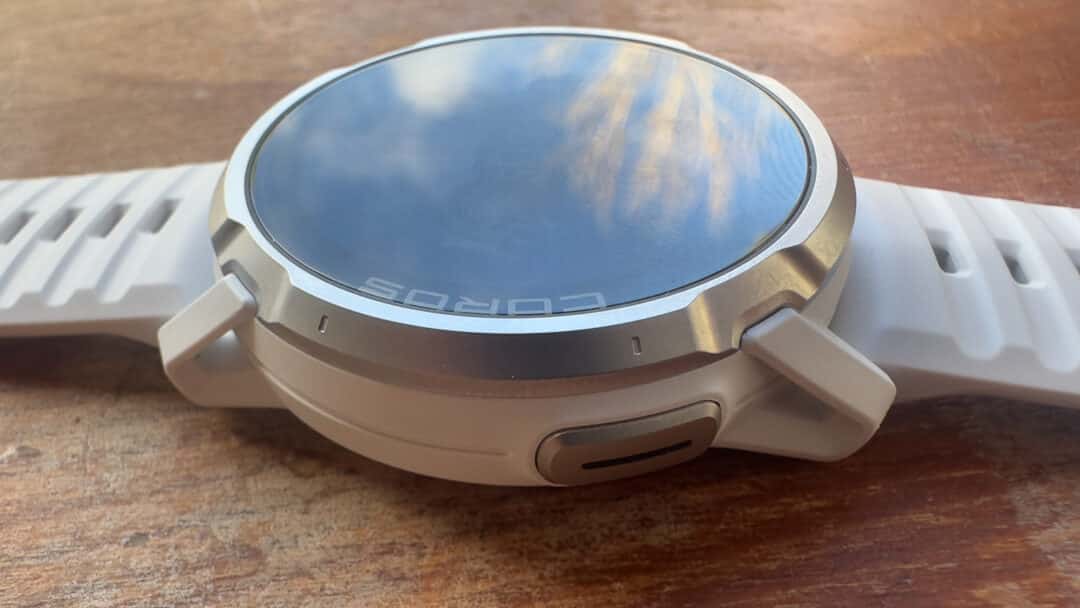
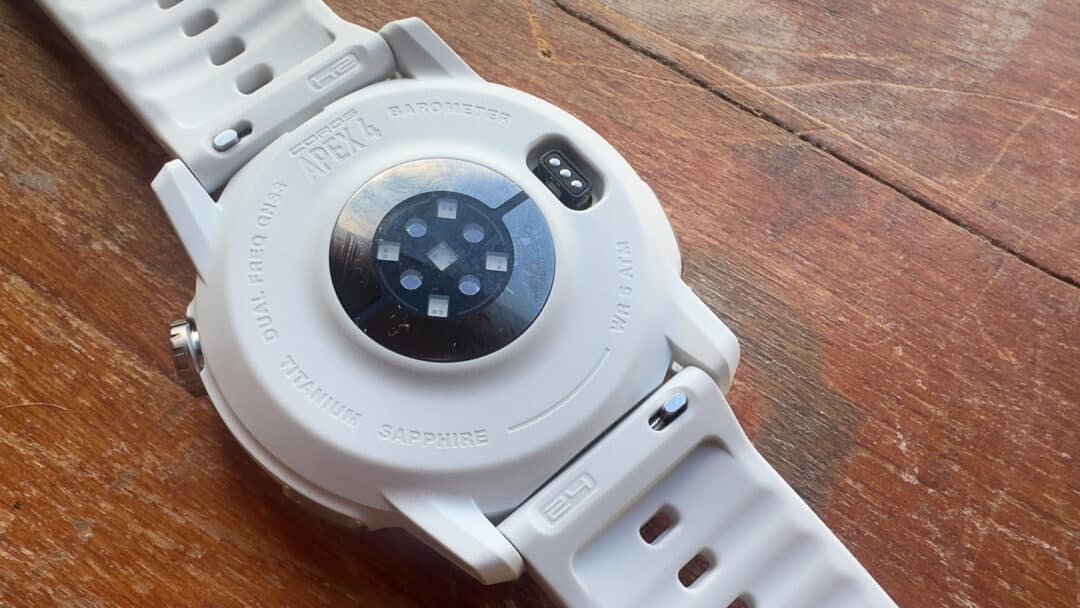
Let’s acknowledge that the Apex 4 is not cheap. It comes in two watch face sizes: 42mm and 46mm, respectively. It retails for $429 in the 42mm model and $479 for the 46mm model. We’re reviewing the 46mm model, as folks claimed a larger watch face was better for map-related functions. You can find GPS watches with mapping functions at a better price—but those tend to be geared toward users with lower daily battery demands. (Think a daily runner vs. a daily ski guide.) Again, we wanted a watch capable of taking on an expedition or long ski traverse with minimal in-the-field recharging.
With something as complex as a GPS watch, after researching watches for a month, I can see why I chased my tail for years. Even within the Coros family of watches, you can find excellent choices for my bullet list above: there’s the Pace 4 at $249 and the Nomad at $349, although their feature sets are not identical.
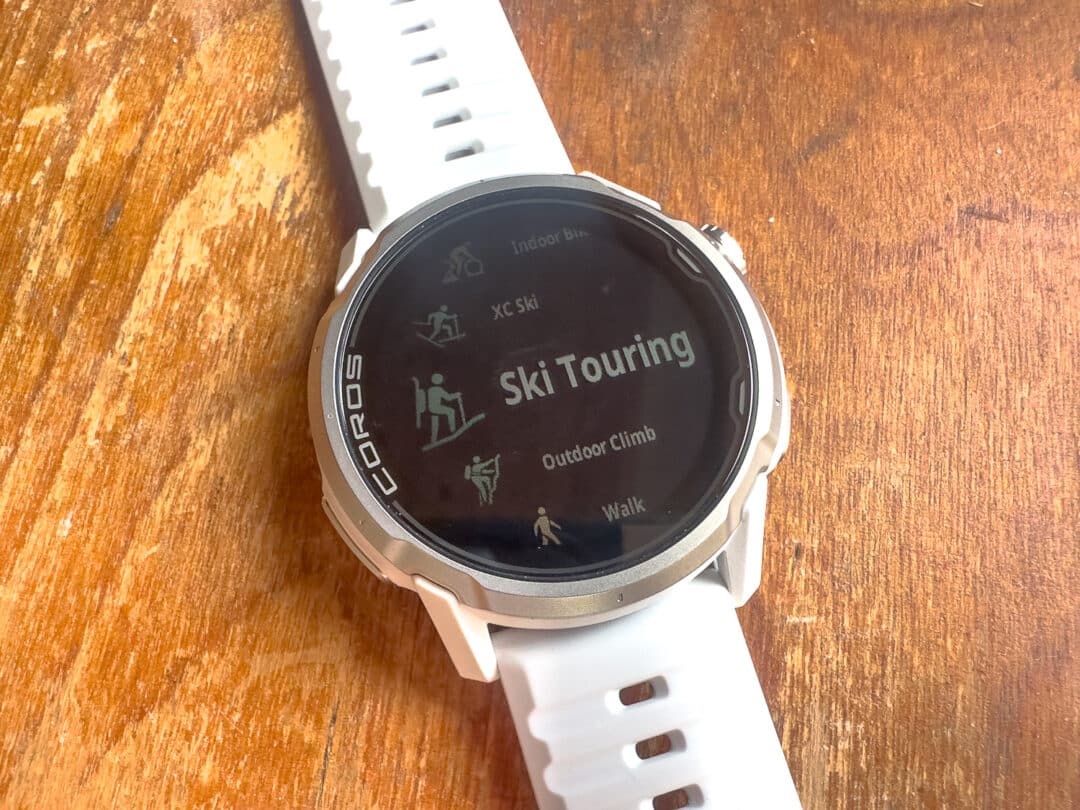
Being out of the watch scene for a while, one feature causes consternation for some. That’s deciding between a Memory in Pixel (MIP) or an AMOLED (Active Matrix Organic Light Emitting Diode) screen. Think of phones with their poppy and bright colors as AMOLED. MIP screens are less poppy, are always on, and are generally more efficient. (GPS watch AMOLED screens turn on and off as you rotate your wrist, to increase battery efficiency.) The idea is that MIPS screens correlate to longer battery life, which simply translates into a likely better device for extended wilderness trips. Some AMOLED devotees, on the other hand, are hooked on the “pop” AMOLED screens afford, and cannot do without them. (The new Suunto Vertical 2 seems to offer solid battery life and an AMOLED screen, but I’m not hopping onto the Suunto bandwagon just yet.)
In accordance with the extended battery life of the APEX 4 (which we’ll get into at a later date), it features a MIP screen. Also, at a later date, we’ll dive into the mapping and touring specific applications of the Apex 4 (and, by extension, other GPS watches). Know that you can either upload a GPX track or create your own track in the Coros app and fold it into a navigable map on the watch. Which maybe some of you have been doing for years.
Which is also the point here. I’m very keen on how folks use GPS watches as tools. And particularly, a tool for single-day, multi-day, and expeditionary skiing. Surely those devoted to the data love the assortment of metrics these watches afford (and we want to hear from you, too). What data or functions do you zero in on?
The Apex 4 Feature Set
| Dimensions | 46.2 x 46.2 x 13.7mm Height does not include the optical heart rate sensor |
| Weight | 64g (confirmed) with silicone band, 51g with nylon band |
| DISPLAY | |
| Display Size | 1.3 inches |
| Display Resolution | 260 x 260 pixels |
| Display Type | 3rd Generation Memory-in-Pixel touch screen |
| MATERIALS | |
| Screen Material | Sapphire Glass |
| Bezel Material | Grade 5 Titanium Alloy |
| Cover Material | Fiber Reinforced Polymer |
| Band Material | Silicone / Nylon |
| WATCH BAND | |
| Width | 24mm |
| Size – Nylon | 140mm – 215mm |
| Size – Silicone | 140mm – 215mm |
| Installation Type | Quick Release |
| DESIGN | |
| Buttons & Dials | Digital Dial Back Button, Action Button for shortcuts to your maps, Pins, and more. |
| CONNECTIVITY | |
| Phone | Bluetooth |
| Accessories | Bluetooth |
| Data Sync | Wi-Fi / COROS App |
| DURABILITY | |
| Water Resistance | 5 ATM Suitable for surface water activities and not for diving. |
| Working Temperature | -4°F to 122°F (-20°C to 50°C) |
| Storage Temperature | -4°F to 140°F (-20°C to 60°C) |
| BATTERY | |
| Standard Full GPS (GPS/QZSS) | —— |
| Endurance All Systems (GPS, GLONASS, Galileo, Beidou, QZSS) | 65 hours 17 hours with offline music playing |
| High All Systems (GPS, GLONASS, Galileo, Beidou, QZSS) | 53 hours 16 hours with offline music playing |
| Max Dual Frequency (GPS, GLONASS, Galileo, Beidou, QZSS) | 41 hours 15 hours with offline music playing |
| Daily Use & Sleep Tracking | 24 days |
| Charging Time | Less Than 2 Hours |
| MEMORY | |
| Internal Memory | 32GB |
| Activity Memory | 1200 Hours Estimates based on outdoor activities |
| GEO LOCATION | |
| Satellite Systems | GPS, GLONASS, Galileo, Beidou, QZSS |
| GNSS Chipset | All-Satellite Dual-Frequency |
| NAVIGATION | |
| Map Layer | Landscape (with trail and street names)Downloadable Global Maps Topo Downloadable Global Maps |
| Additional Features | Checkpoint Back-To-StartDeviation Alert Touchscreen-Enabled Map Control Safety Alerts |
| DATA TRACKING | |
| Sensors | Speaker to take hands-free calls or play activity alerts out loud. Microphone to record training logs, use voice commands, and save Voice Pins, Optical Heart Rate Monitor, May not work over tattoos, Barometric Altimeter, Accelerometer, Gyroscope 3D Compass, Thermometer, Supports body temperature in training (with compatible accessory), Optical Pulse Oximeter, Electrocardiogram Sensor |
| Training Features | Effort Pace: A personalized metric that represents true effort when running EvoLabRecovery, fatigue, training load, race predictor, VO2 max, threshold zones, and more metrics: Activity Alerts for cadence, distance, pace, heart rate, power, and more metrics. Basic/Advanced Interval Training, Pre-planned Workouts, Training Plans, Running Fitness, Resting Heart Rate Underwater, Heart Rate, Action Camera Control, Supports select GoPro, DJI, Insta360 camerasVirtual PacerVirtual RunRunning Form TestRequires COROS POD/POD 2Altitude ModeRegular evaluation of SpO2 and fitness when at high altitudes, Touch Scroll, Swipe to scroll data pages during trainingExtender |
| Daily Features | Daily Stress, Wellness Check, Message/Call Alert Supports daily use and during training Sleep with REM tracking, Alarm, Timer, Stopwatch, Daily Data Includes active calories, exercise time, storm, and more alertsUpdateable Firmware with Wi-Fi and the COROS app Find My Phone Find My Watch Always-On Display HRVMusicPlays offline music when paired with supported Bluetooth headsets |



Leave a Reply
You must be logged in to post a comment.